Learn to Read Codes and Order the Exact Parts by Code
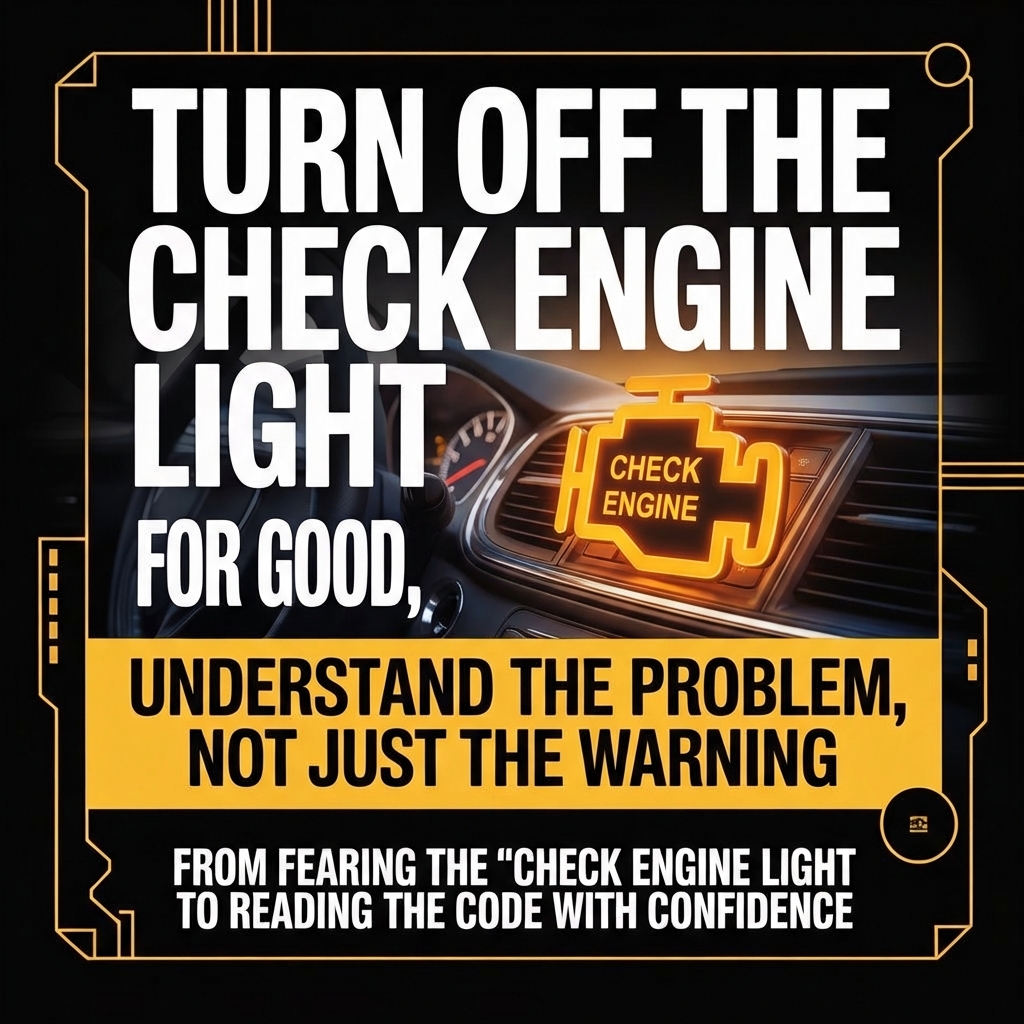
Tired of seeing the Check Engine light and having no idea what’s really going on—or what you’re paying for at the shop?
This digital guide shows you how to turn that fear into control using a simple method: read the code, understand the problem, and ask for parts by code, not by “weird names”.
What This Guide Is About
This is a practical, step-by-step eBook–course that teaches you how to:
-
Use a basic OBD2 scanner (cable or Bluetooth) to read error codes yourself
-
Understand what those codes mean using free online resources
-
Identify the most likely parts and systems involved in the problem
-
Find the exact part number (OEM code) for your car
-
Order the right replacement from major platforms (like Amazon or eBay) or ask for it at your local parts store with confidence
You don’t need to be a mechanic. You just need a bit of curiosity and a willingness to stop paying “blind”.
Who This Guide Is For
This eBook is designed for drivers who:
-
Don’t understand what the mechanic says at the shop
-
Feel they might be overcharged or sold parts they don’t really need
-
Want to know which part is being replaced and why
-
Want to take care of basic diagnostics and decisions on their own
-
Are interested in doing simple repairs themselves—or at least talking to mechanics on equal footing
If you’ve ever thought, “I don’t even know what they changed, I just paid”, this guide is for you.
What You’ll Learn Inside
1. From Check Engine Panic to Clear Error Codes
You’ll learn how to:
-
Recognize the Check Engine light and what it really means
-
Plug in a basic OBD2 scanner (or Bluetooth adapter)
-
Use simple apps like OBD Auto Doctor, Car Scanner ELM OBD, or Torque Lite (Android)
-
Read and save your car’s error codes (for example: P0300, P0420, P0130)
Instead of fear, you’ll have clear numbers and information you can work with.
2. Turn Codes into Real Understanding
Next, you’ll discover how to:
-
Look up your code on free sites like obd-codes.com or engine-codes.com
-
Understand which system and component are usually involved in that code
-
Use tools like ChatGPT to go deeper:
-
Possible causes for your specific car (brand, model, year)
-
Which parts are most likely to be at fault
You’re no longer guessing—you’re investigating.
3. Get the Exact Part Number (OEM Code)
The guide shows you how to:
-
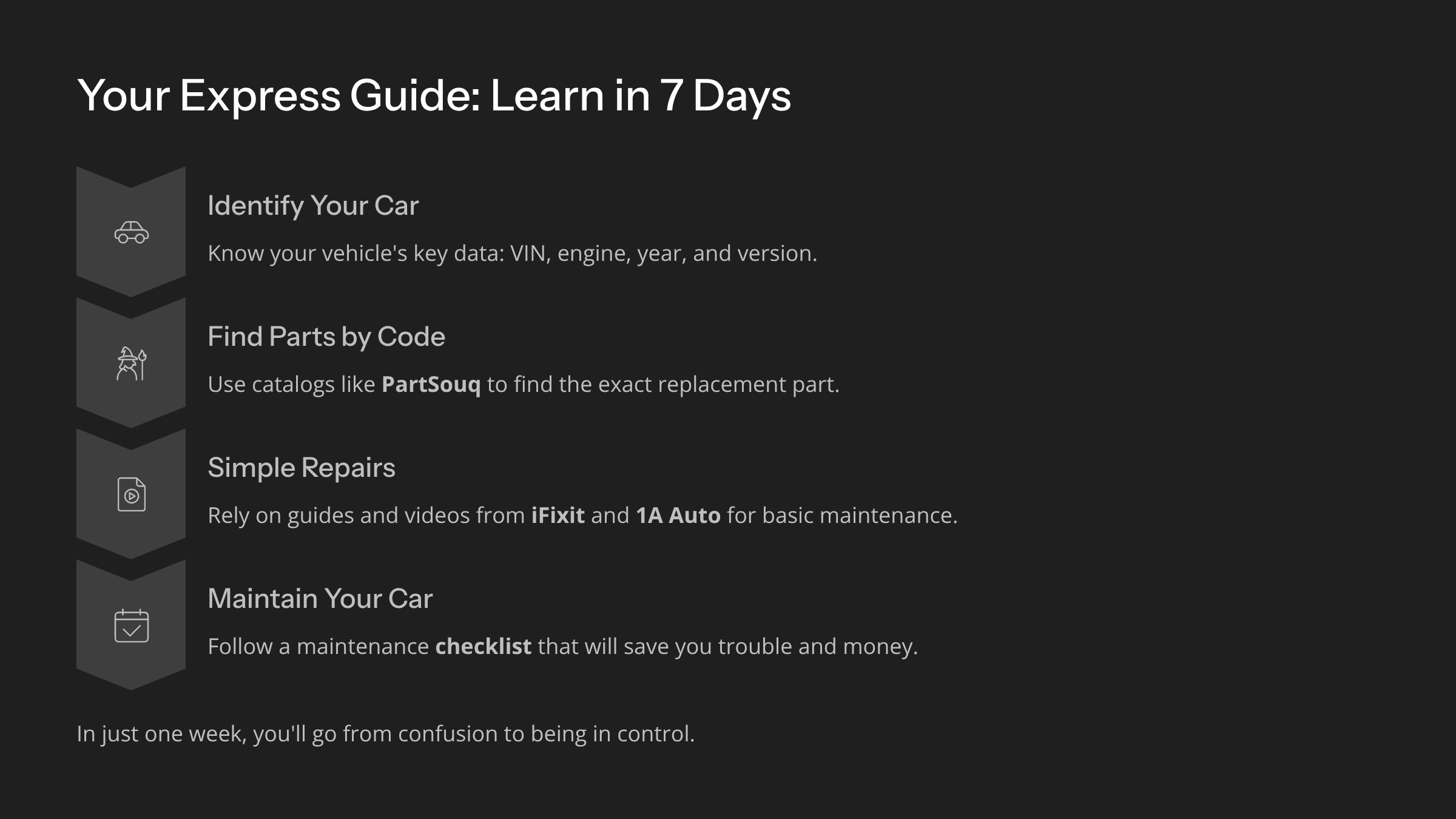
Collect your car’s key data: VIN, year, engine, version
-
Use online catalogues like PartSouq to find the correct OEM part number
-
Match the part in the diagrams and confirm it’s the right one for your vehicle
Now you can stop asking for “that sensor next to the exhaust” and start asking for the exact part code.
4. Order the Part Online or Locally
You’ll learn how to:
-
Search for your OEM code on platforms like Amazon and eBay
-
Compare original (OEM) parts and high-quality aftermarket options
-
Double-check compatibility using fitment lists and customer reviews
-
Walk into a local parts store with:
You decide where to buy and what quality level you want—fully informed.
5. Decide: DIY Install or Shop Visit (With Full Control)
Finally, you’ll see how to:
-
Use guides and videos from resources like iFixit and 1A Auto
-
Judge whether a job is safe and reasonable to do yourself
-
Take basic safety precautions if you choose to DIY
-
Or go to the mechanic with:
-
The error code
-
The diagnosis
-
The part in hand
Either way, you’re no longer a passive, confused customer.
The Result: From Paying Blindly to Being in Control
This eBook won’t turn you into a professional mechanic.
It will do algo more valuable for everyday life: it will teach you to understand what’s happening, what’s being changed, and what you’re paying for.
You’ll move from:
-
“I have no idea what they did, I just paid”
to
-
“I know the code, the part, the price and why it’s being replaced.”
If you’re ready to stop fearing the Check Engine light and start using it as useful information, this guide is your first real step toward control.


 Fast Shipping Across the U.S.



 Fast Shipping Across the U.S.
 International Orders – Slightly Longer Shipping Times
 Warranty
 Free 30-Day returns


Reviews
Clear filtersThere are no reviews yet.